
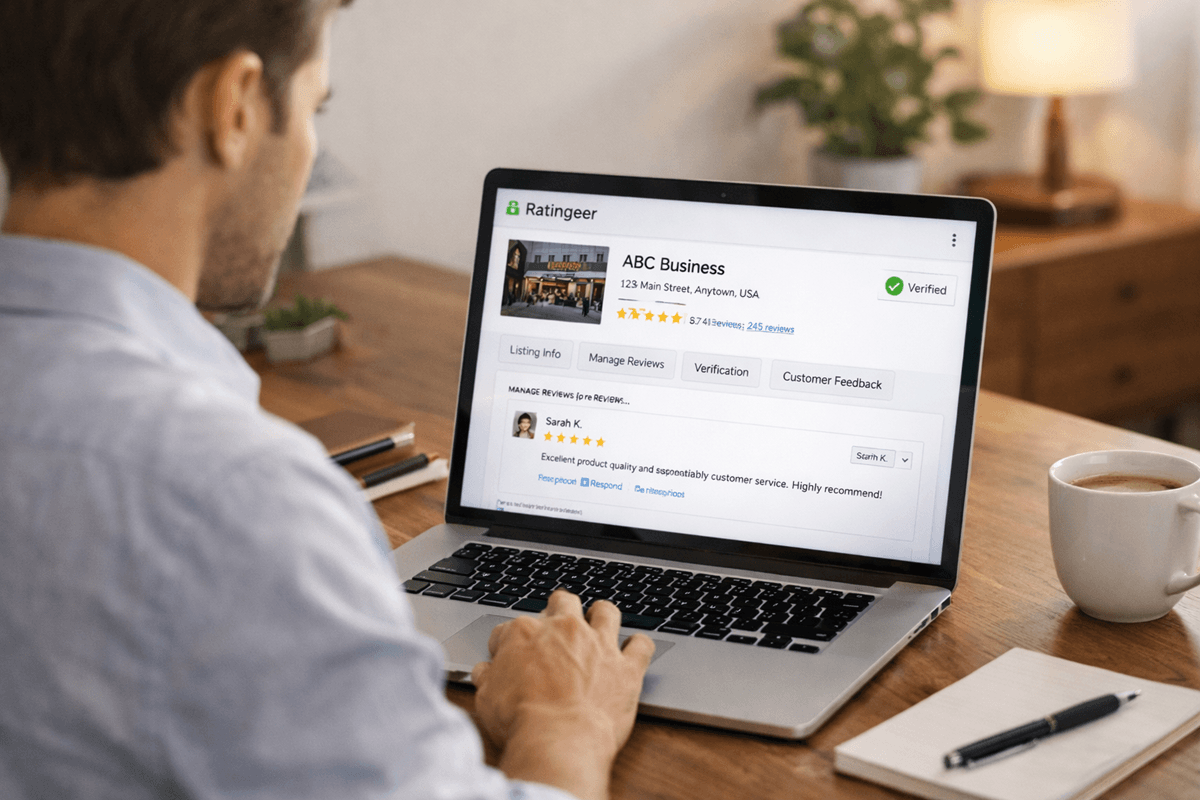

If you want to claim your business profile on Ratingeer, the basic process is simple. You will usually need an account, you may need to complete verification, and once your claim is approved, you can manage the business profile connected to your company.
For most businesses, claiming a profile is not just an admin task. It is the step that gives you control over a public listing that customers may already be seeing. Without that, your business may still appear on the platform, but you are not really managing how it is presented.
This guide explains what claiming a business profile on Ratingeer means, who should do it, what to prepare before you start, and what to do after access is approved.
What does it mean to claim a business profile on Ratingeer?
Claiming a business profile means asking Ratingeer to connect a public business listing to the right owner or authorized representative. Once that happens, the profile is no longer just a public page sitting there. It becomes something your business can manage properly.
On its public pages, Ratingeer says businesses or authorized representatives may be able to claim and manage their profiles. It also says verification may be required before access is granted, especially when a profile needs to be linked to the right owner or representative.
In plain terms, claiming your profile is what turns a public listing into a business asset you can actually use.
Why claiming your profile matters
A business profile matters because people may look at it before they decide whether to contact you, visit your website, or buy from you. If the profile is unclaimed, outdated, or not being watched, it can easily become something customers see before you do.
Claiming your profile helps you take responsibility for how your business appears on the platform. It also opens the door to business tools described on the Ratingeer for Businesses page, including review management, verified reviews, review widgets, analytics, team access, and category management.
That means claiming is not only about ownership. It is also about being able to manage feedback, keep your profile accurate, and make your business easier to trust.

Who should claim a business profile?
Not everyone in a company should handle the first claim. Ideally, the request should come from someone with a clear connection to the business.
- the business owner
- a founder or director
- a senior manager
- someone responsible for reputation or customer support
- an authorized representative working on behalf of the business
If your business has a team, it usually makes sense for one person to handle the initial claim and then give access to others later. That keeps the process cleaner and reduces confusion.
What Ratingeer publicly says before you start
Before you begin, it helps to understand a few points already stated on Ratingeer’s public site.
- You do not need an account to browse public business listings, ratings, and reviews.
- You do need an account if you want to claim a business profile.
- Additional verification may be required in some cases.
- Business tools are tied to profile access and management.
That gives you a realistic picture before you start. The exact interface may change over time, but the overall process is clear enough to prepare properly.
Step 1: Create an account or sign in
If you want to claim a business profile on Ratingeer, the first step is making sure you have an account and can sign in without problems.
If possible, use a business email address rather than a random personal one. Keep your account name clear and consistent with your role. If verification comes up later, this can help make the connection between you and the business easier to understand.
This part sounds basic, but it matters more than people think. Clean account details make the rest of the process easier.
Step 2: Find the correct business profile
Before you try to claim anything, make sure you have found the right listing.
Search for your business on Ratingeer and check whether a public profile already exists. If it does, take a minute to review the details carefully.
- business name
- category
- location, if relevant
- existing reviews
- general listing accuracy
This matters because some businesses have similar names, and claiming the wrong profile creates avoidable problems. It is better to slow down here than to fix a mistake later.
Step 3: Start the claim request
Once you have found the right profile, the next step is to start the claim request through the business profile or business access area available on the platform.
Ratingeer’s public site does not spell out every screen in the claim flow, so the key thing is not memorizing button names. The key thing is making sure the request is accurate.
When you submit the request, keep the information simple and correct. Use the real business name, your real role, and account details that clearly connect you to the company.
This is not the place to rewrite your brand story or add marketing language. The goal is to show that the claim request genuinely belongs to the right business.
Step 4: Be ready for verification
This is the part that often decides how smooth the process feels.
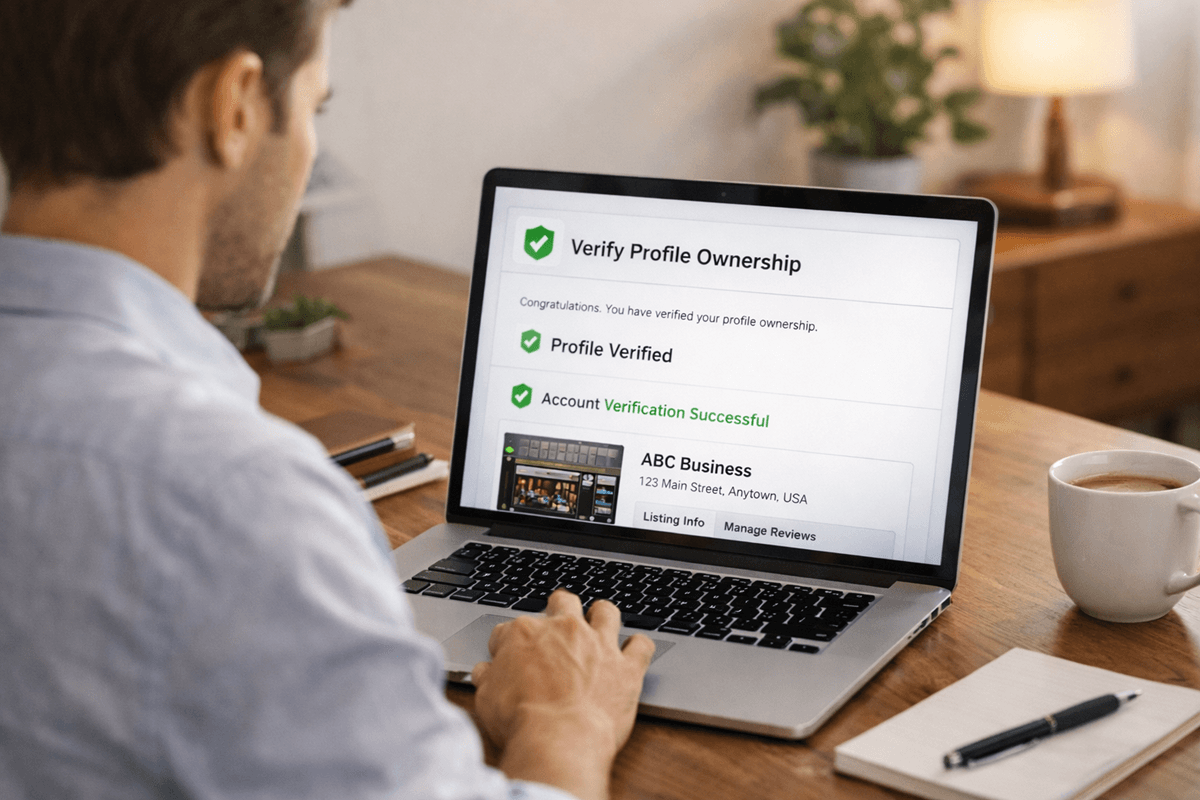
Ratingeer says verification may be required before access is granted. That means a claim is not only about requesting access. It may also involve confirming that the request is coming from the right person.
Because the public site does not list every exact verification method, the safest approach is to be ready with business-backed details if asked.
- a business email connected to the company
- details that match the public profile
- proof that you represent the business
- ownership or authorization confirmation, if needed
You may not need all of these, but it helps to be prepared. A clean request supported by clear business details is less likely to get delayed.
Step 5: Review your business details once access is approved
Getting access is not the finish line. It is the point where the real work starts.
Once your claim is approved, review the profile carefully. A claimed profile should not just be controlled. It should also be accurate, useful, and up to date.
Check details like these:
- business name
- profile description
- category fit
- contact details
- any missing or outdated information
- whether the listing reflects what the business actually does
If customers land on your profile and the information feels incomplete or unclear, claiming it will not help much on its own. Accuracy matters.
Step 6: Set up review management properly
One of the clearest reasons to claim a business profile is to manage reviews more effectively.
On the Ratingeer for Businesses page, the platform explains that businesses can keep track of reviews and respond from one place. That is useful because reviews often shape how people see your business before they ever contact you.
Once access is approved, set up a simple process instead of handling things randomly.
- check new reviews regularly
- decide who will respond to feedback
- keep replies calm and professional
- avoid defensive or emotional responses
- treat the profile like an active customer-facing space
A claimed profile looks stronger when customers can see that the business is present and paying attention.
Step 7: Use the business tools that come with access
Claiming your profile becomes far more useful when you actually use the tools connected to it.
According to the Ratingeer for Businesses page, business features include:
- Verified Reviews
- Review Management
- Review Widgets
- Analytics Dashboard
- Team Management
- Category Management
Verified Reviews
Verified reviews are described as reviews that go through a screening or verification step before they appear. The aim is to make review content more reliable and reduce misleading or low-quality submissions.
Review Management
This helps businesses keep track of feedback and respond from one place instead of treating reviews as an afterthought.
Review Widgets
Review widgets make it possible to display selected reviews on your own website, which helps bring customer feedback into spaces you already control.
Analytics Dashboard
The analytics dashboard is described as a way to track review activity, rating trends, and customer sentiment over time.
Team Management
This can help if more than one person needs access to profile-related tasks.
Category Management
This helps keep business listings easier to organize and easier for people to understand.
You do not need to do everything at once. A sensible approach is to start with profile accuracy, then reviews, then team access, and then the extra tools that support visibility and day-to-day management.
Common reasons a claim may take longer
Ratingeer’s public site does not provide a detailed delay checklist, but based on what it does say about ownership and verification, some claims may take longer if the request is unclear.
- the account does not clearly match the business
- the request comes from someone without obvious authority
- the business details are inconsistent
- verification needs follow-up
- more than one person is trying to claim the same listing
The cleaner the request looks, the easier it is for the platform to connect it to the right business.
What to do after your claim is approved
Once your profile is approved, it helps to have a simple plan rather than logging in once and forgetting about it.
- review and update profile details
- check existing reviews
- decide who will handle responses
- assign team permissions if needed
- review category setup
- check reporting once enough data builds up
- use review widgets if they fit your website
This is what turns a claimed profile into something useful instead of something that just sits there.

Common mistakes to avoid
Trying to claim the wrong profile
This usually happens when businesses have similar names. Always double-check the listing before you start the request.
Using unclear account details
If your account looks disconnected from the business, verification may be harder than it needs to be.
Ignoring the profile after approval
Claiming the listing is only the first step. If the profile stays outdated or unmanaged, the business still loses out.
Leaving everything to one person forever
If your business has a team, it helps to assign the right access to the right people instead of relying on one person to manage everything manually.
FAQ
Do I need an account to claim my business profile on Ratingeer?
Yes. Ratingeer says an account is required if you want to claim a business profile.
Can an authorized representative claim a profile?
Yes. Ratingeer says businesses or authorized representatives may be able to claim and manage their profiles.
Will I need to verify ownership?
Possibly. Ratingeer says verification may be required before access is granted, especially when the profile needs to be linked to the right owner or representative.
What can I do after my claim is approved?
Based on the public business pages, approved access may include tools for review management, verified reviews, widgets, analytics, team permissions, and category management.
Final word
If you are trying to claim your business profile on Ratingeer, the main thing to understand is that this process is about ownership and control, not just logging into a dashboard.
Use the right account, make sure the business details match, be ready for verification if needed, and once you get access, use the profile properly. That is what makes a claimed listing worth having.
Comments (0)